
NAPPS SCHEME OF WORK SECONDARY FOR SENIOR SECONDARY SCHOOL (SS1 – 2)
3RD TERM
COMPUTER STUDIES
| weeks | ss1 | ss2 |
| 1. | Revision of last term’s work/introduction to the Application of ICT | System Development Cycle: Definition, Description, and stage of system development cycles |
| 2. | Application of ICT | System development cycle(ii) Description of each stage of system development cycles |
| 3. | ICT Based Gadget | Program Development Definition, characteristic of a good programme Precautions in program development: |
| 4. | Basic Computer Operations Description of booting process, types of booting and components of the window desktop | Program development (II) -Steps involved in programme development -Programme definition, Problems analysis, Flow charting, and Desk checking |
| 5. | Basic Computer Operation II Start up a s system and running an application | Algorithms and flow charts -Definition of Algorithms, and flow char -functions and characteristics of Algorithms -Writing Algorithms for: (i) computing average of a given sets of number (ii) Evaluation of equation (iii) Printing out the first ten odd numbers etc. |
| 6. | Word Processing: -Definition of word processing and word processor. -Example of word processors | FLOW CHART -Flow chart symbol, use of flow chart symbols and flow chart diagram for solving a given problem. |
| 7. | Word processing environment Create, edit, save, close Microsoft Word, Word perfect, Word star Features of word processors | BASIC PROGRAMMING -Built in functions in Basic programming |
| 8 | Word processing Environment -Launch Word Processor -Retrieve, format, save, save as, print, close | Basic Programme (II) Basic programme to: (i) Find square root of numbers within a given range (ii) Find the square root of S, round up to an integar (iii) Find the cosine of known value (iv) Find the tangent of a given angle (v) Plot sine wave curve (vi) Plot cosine curve |
| 9. | Presentation Package Example of present age package, Microsoft power point, Adobe PDF | Internet: -Definition – Some basic terms -Service provider |
| 10. | Features of Presentation package -Creating slides, Insertion of pictures, Insertion of video and audio, Animation, slide show, creation of graphics, creating organizational and other slides | Internet (II) -Internet browser -Internet explorer-Nescape Navigator, Google Chrome -Features in Browser Window, Internet service -Benefit of internet to the society |
| 11. | Using presentation package: -LathalMs-power Point, Create a new presentation, Insert slide content, text, Graphics, pictures, animate content, Addnew slides, save presentation, Run Slide shows, print Presentation, close presentation | Electronic mail (e-mail service -Definition of electronic mail -E-mail service -Steps involves in creating e-mail account – Steps involved in opening e-mail box Features in an e-mail address -Definition of chatting |
| 12-13 | Revision and Examination | Revision and Examination |
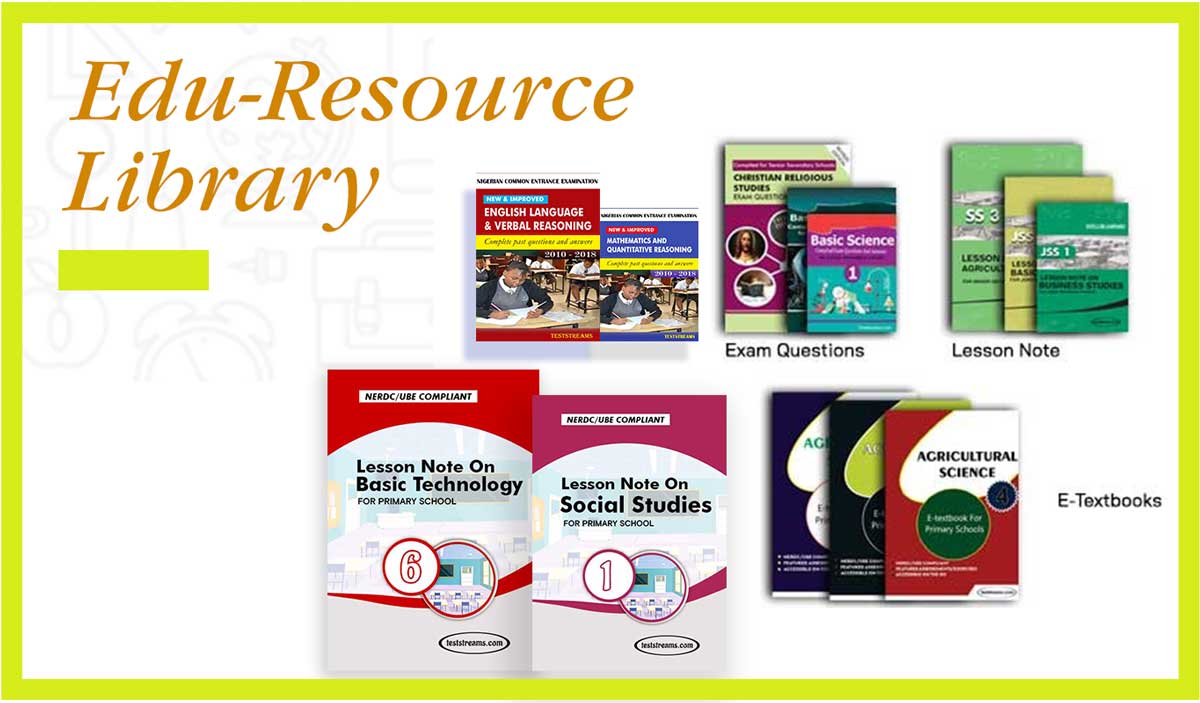
Click the links below to get any resources you want.
- Lesson note for primary and secondary schools
- Exam questions for primary and secondary schools
- Etext books for primary schools
- Common Entrance Math Exam Questions and Answers
- Common Entrance Questions and Answers English and Verbal
- UTME Exam Preparation
- BECE and JSCE past questions
- SSCE / WAEC Past questions